Over the years, YouTube ads have evolved significantly.
With ad formats and targeting methods always improving, staying updated can be a challenge.
Creating a good video is not enough anymore. As businesses invest more in video ads, choosing the right tools is essential.
The best tools can help you control spending, reach the right people, and improve results on the biggest video consumption platform, i.e,. YouTube.
This guide introduces 10 powerful YouTube advertising tools that can boost your marketing. Whether you’re a content creator, business, or agency, these tools will help you grow your channel, manage ads, and get the best results from YouTube advertising.
Understanding YouTube Advertising Tools
With over 2 billion users each month, YouTube is a powerful platform for brand awareness. But standing out takes more than good videos.
You need smart tools and precise targeting. High competition makes reaching the right audience tricky, but technology helps by improving targeting, automating ads, and providing real-time performance insights.
Different Types of YouTube Ads
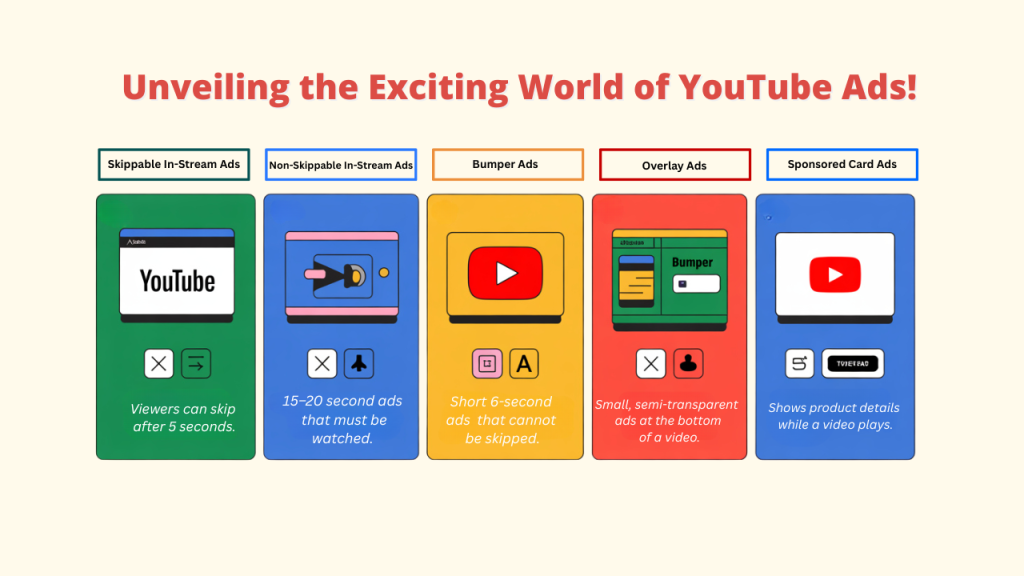
A. Skippable In-Stream Ads – Viewers can skip after 5 seconds.
B. Non-Skippable In-Stream Ads – 15-20 second ads that must be watched.
C. Bumper Ads – Short 6-second ads that cannot be skipped.
D. Overlay Ads – Small, semi-transparent ads at the bottom of a video.
E. Sponsored Card Ads – Shows product details while a video plays.
Challenges in YouTube Advertising Today
- More competition for ad space
- Higher ad costs due to demand
- Harder to target audiences with new privacy rules
- Growing need for AI tools to improve campaigns
What to Look for in YouTube Advertising Tools
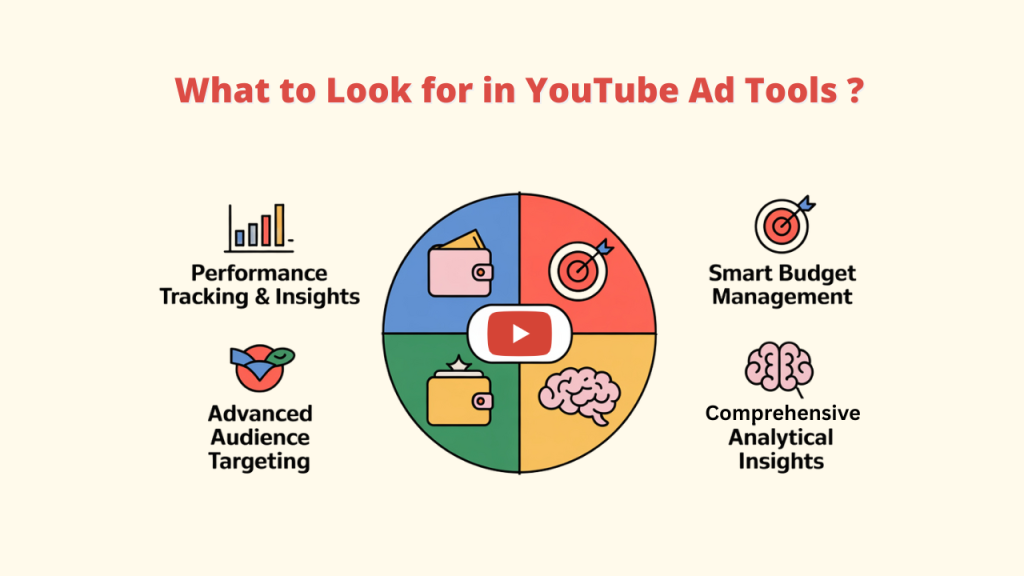
Picking the best YouTube advertising tools is key to running successful campaigns. Here’s what to look for:
A. Performance Tracking & Insights
Find tools that give detailed reports on key metrics like views, engagement, and conversions.
- Live analytics with instant updates
- Easy-to-read reports
- Key metrics (CTR, conversion rates, engagement)
Tools such as Tubetarget provide data on video performance, which aids in understanding audience engagement and trends.
B. Smart Budget Management
In order to avoid overspending and guarantee the highest return on investment, look for platforms that assist you in judiciously allocating your advertising budget.
C. Advanced Audience Targeting
The most effective YouTube advertising tools offer granular audience targeting capabilities.
- Demographics (age, gender, location)
- Interests and behaviors
- Custom audience creation
Additionally, you can use a great tool like TubeTarget to find out where your competitors are placing their ads and target those same audiences.
D. Comprehensive Analytical Insights
With in-depth data analysis capabilities, you can fine-tune your strategy, optimize ad creatives, and adjust campaigns to improve performance.
Focusing on these key features will help you improve your YouTube advertising strategy and achieve higher engagement, conversions, and ROI.
Top 10 YouTube Advertising Tools Breakdown
1. TubeTarget
Overview
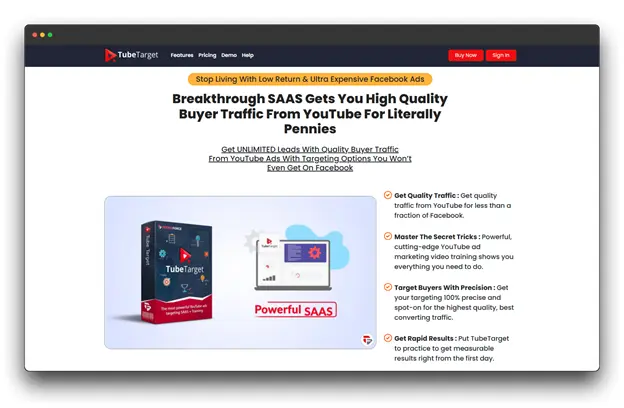
An all-inclusive YouTube advertising platform with precise targeting capabilities. By providing high-quality buyer traffic for pennies, TubeTarget unleashes the potential of YouTube advertising. Locate videos and channels that are monetized, then precisely target your ideal client.
Key Features
- Advanced audience filtering
- Detailed analytics and insights
- A/B testing for ad performance
- Real-time campaign adjustments
Pros
- Easy-to-use interface
- Strong targeting options
Cons
- A steeper learning curve
Ideal For
- Mid to large-sized marketing agencies
- Businesses with advanced advertising needs
- Marketing teams focused on performance
Pricing: $27 per month
2. CronAds
Overview
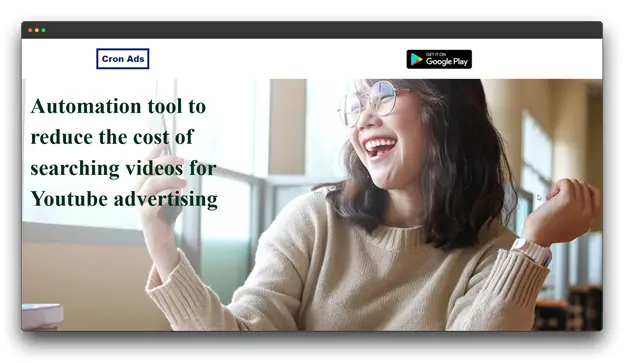
CronAds is an advanced tool for automating YouTube ad campaigns. It uses AI to simplify ad management and improve marketing results.
Key Features
- Smart budget management
- Multi-platform campaign control
- Predictive performance tracking
Pros
- Budget-friendly solutions
- Requires little manual work
- Fast and easy campaign setup
Cons
- Fewer customization options
- Less control over detailed settings
Ideal For:
- Large to medium-sized marketing firms
- Companies that require sophisticated advertising
- Marketing teams that prioritize performance.
Pricing : Custom Pricing
3. TubeGrow
Overview
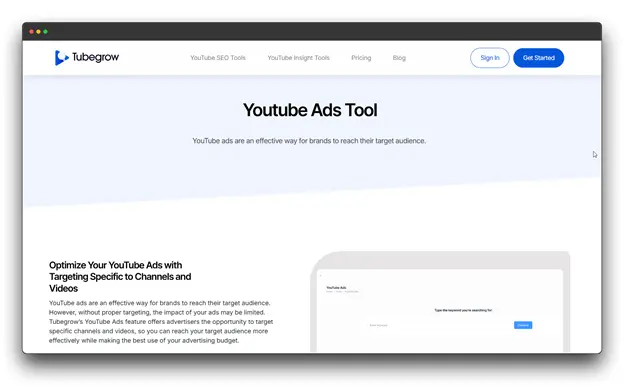
TubeGrow is a full-featured YouTube campaign optimization tool that includes ad targeting. It helps users run ads on specific channels and videos, improving ad performance and budget efficiency. The platform also offers tools for tracking video performance, researching keywords, and analyzing trends.
Key Features
- Targeted ads for specific channels and videos
- Tools for analyzing channels and competitors
- Keyword research for greater reach
Pros
- All-in-one YouTube optimization platform
- Data-driven insights for better results
- Helps make the most of your ad budget
Cons
- Prices vary.
- Learning how to use all tools effectively.
Ideal For
- Digital marketing agencies
- YouTube channel managers
- Content creators
- Social media influencers
Pricing: $199 per month
4. Social Blade
Overview
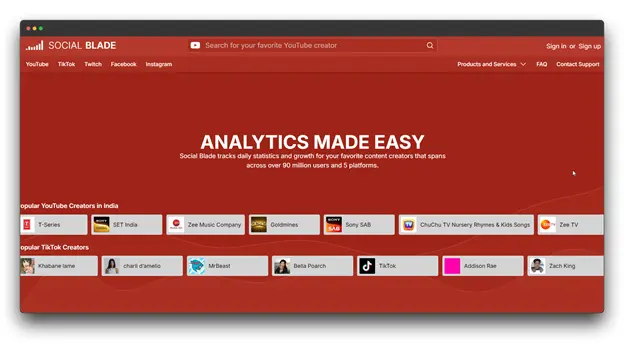
Social Blade is a powerful analytics tool for tracking YouTube performance and competitor insights. It helps users monitor channel growth, analyze trends, and understand monetization potential.
Key Features
- Multi-platform channel tracking
- In-depth subscriber growth analysis
- Revenue estimation and monetization insights
Pros
- Supports multiple social media platforms
- Provides deep performance insights
- Clear and detailed data visualization
Cons
- Can be complex for beginners
- Requires some technical knowledge
Ideal For
- Social media analysts
- Digital marketing experts
- YouTube content creators
- Competitor research professionals
Pricing : 14.99 per month
5. Agorapulse
Overview
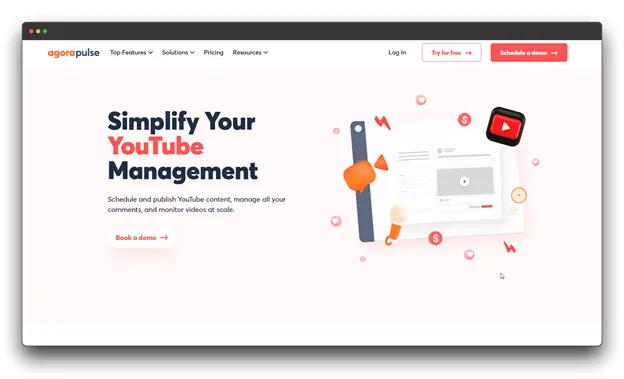
Agorapulse is a social media management tool that makes handling YouTube easier. It helps users schedule videos, manage comments, track video performance, and collaborate with teams. It also includes reporting tools to measure social media success.
Key Features
- Detailed performance tracking
- Team collaboration features
- Content scheduling and planning
Pros
- Provides in-depth reports and analytics
- Helps manage comments effectively
- Useful for handling multiple platforms
Cons
- YouTube-specific tools are not as advanced.
- Full features come at a higher cost
Ideal For
- Marketing agencies
- Social media teams
- Businesses handling multiple accounts
Pricing: $99 per month.
6. Vidko
Overview
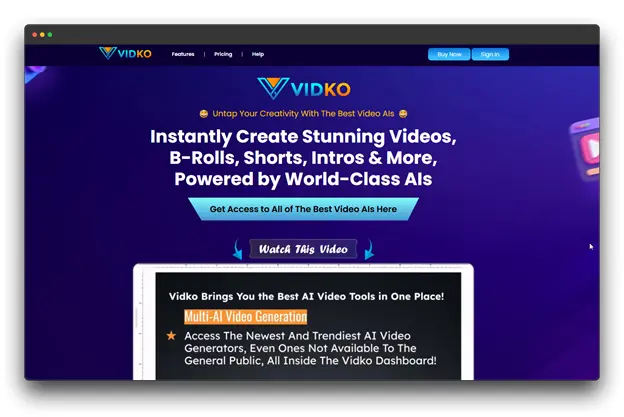
Vidko is an AI-based video creation platform that combines multiple advanced video tools in one place. It lets users turn text and images into videos, offering various styles and themes. The goal is to make video production easy without needing expensive equipment or editing skills.
Key Features
- AI-powered video ad creation
- Smart audience targeting
- Live performance tracking
- Text-to-video conversion
Pros
- Easy-to-use video creation tools
- Advanced audience targeting
- Fast campaign setup
Cons
- More expensive premium features.
Ideal For
- Small to mid-sized businesses
- Social media content creators
- Marketers without video production experience
- Online retailers
Pricing: $17 per month.
7. TubeSift
Overview
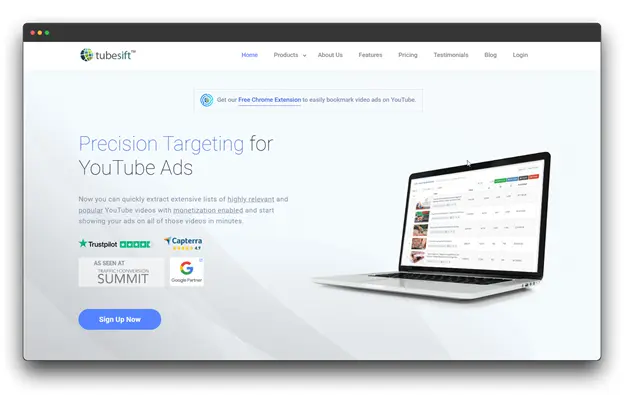
TubeSift is a tool made to help advertisers find YouTube videos that allow ads, making it easier to target the right audience. It helps marketers reach specific YouTube viewers with high accuracy, reducing costs and increasing return on investment (ROI).
Key Features
- In-depth audience research
- Competitor channel analysis
- Custom audience creation
Pros
- Highly accurate audience targeting
- Powerful market research tools
- Detailed competitor analysis
Cons
- Takes time to learn
- Can be confusing for beginners
Ideal For
- Digital marketing agencies
- YouTube content creators
- Advertisers targeting niche markets
Pricing: $67/month
8. Sprout Social
Overview
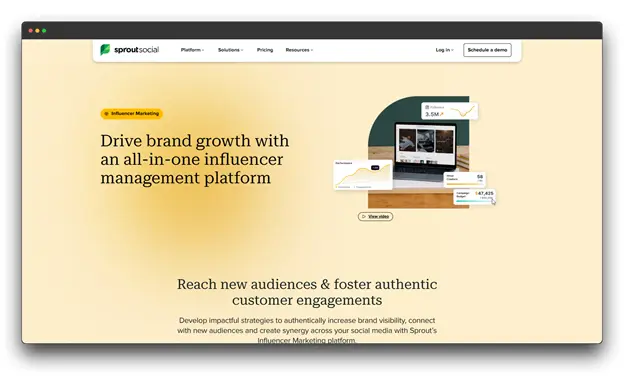
Sprout Social is a complete social media management tool that also includes strong influencer marketing features. It helps businesses find, manage, and track influencer campaigns to build real engagement and grow their brand.
Key Features
- Industry and competitor analysis
- Content performance evaluation
- Audience targeting with the affinity engine
Pros
- Complete influencer management with social media tools
- Detailed analytics and reports to measure ROI
- Streamlined workflow and team collaboration
Cons
- Expensive compared to other tools
- Can be complicated for smaller teams
Ideal For
- Marketing agencies running influencer campaigns
- Large businesses
- Companies using data-driven influencer strategies
Pricing: $199 per month
9. Animoto
Overview
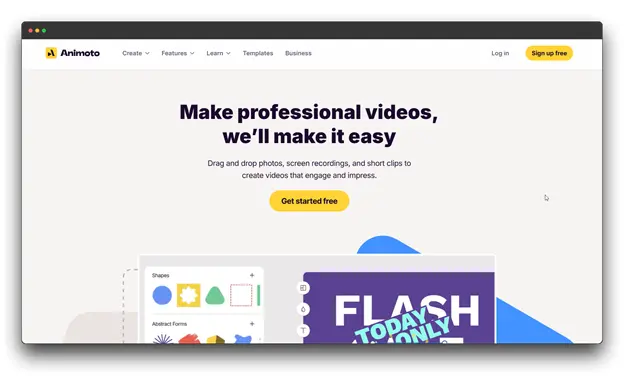
Animoto is a simple video-making tool that helps users create professional videos without needing editing experience. It offers ready-made templates, a drag-and-drop editor, and a library of stock media, making video creation quick and easy.
Key Features
- Simple drag-and-drop editing
- Ready-to-use video templates
- Access to a stock media library
Pros
- User-friendly interface
- No need for advanced editing skills
Cons
- Limited advanced editing options
- Less customization compared to high-end tools
- Basic analytics
Ideal For
- Entrepreneurs
- Content creators with little design experience
- Marketing teams need fast video creation
Pricing: $3.39 per month
10. Biteable
Overview
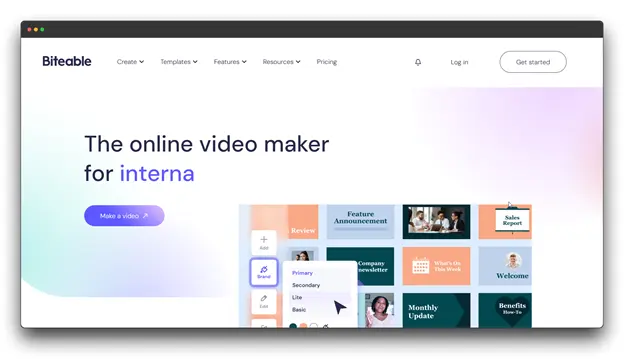
Biteable is an easy-to-use video-making tool designed for marketing and advertising. It offers many customization options, making it simple to create engaging videos for different platforms.
Key Features
- Large collection of templates
- Branding and customization tools
- Animation and motion graphics
- Fast export options
Pros
- Wide range of templates
- Simple and beginner-friendly
- No design skills needed
Cons
- Limited advanced editing options
- Basic analytics
- Some stock media may seem generic
Ideal For
- Marketing teams
- Small businesses
- Social media managers
Pricing: $15 per month
Choosing the Right Tool for Your YouTube Advertising
Picking the right YouTube ad tool isn’t the same for everyone. You need a plan that fits your business needs and goals.
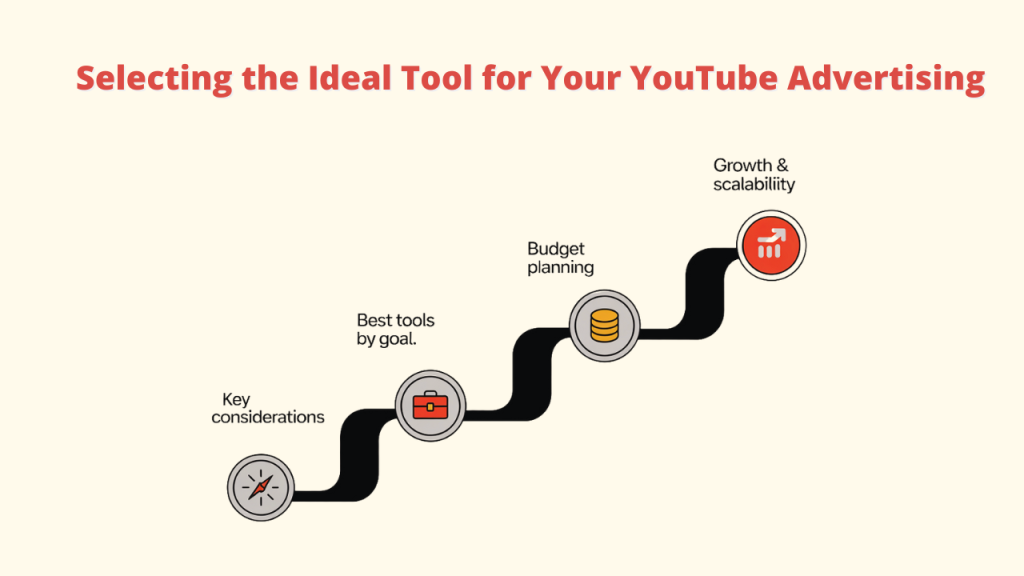
1. Important Things to Consider
When choosing a YouTube advertising tool, look at key factors like targeting, automation, analytics, and how easy it is to use.
- Business Goals: Decide what you want to achieve, like brand awareness, leads, or sales. Tools like TubeTarget help with this.
- Target Audience: Learn about your audience’s age, interests, and online habits.
- Ad Complexity: Think about how big and detailed your campaign will be.
- Ease of Use: Pick tools with a simple interface and good customer support.
2. Top Tools for Different Goals
- Getting More Leads: TubeTarget and TubeSift help you reach the right audience.
- Brand Awareness: Animoto lets you create eye-catching video ads.
- Checking Competitors: Social Blade gives you insights into how competitors are doing.
3. Budget Planning
- Compare Pricing Plans: Check different subscription levels and features.
- Focus on Key Features: Choose tools that give you the best value for your money.
- Think Long-Term: Consider future costs like training and upgrades.
4. Growth & Scalability
- Plan for Growth: Choose tools that can grow with your business.
- Look for Flexibility: Pick platforms that let you customize and add new features.
- Check Support & Resources: Make sure the company offers help as your needs expand.
Best Practices for YouTube Advertising Tools
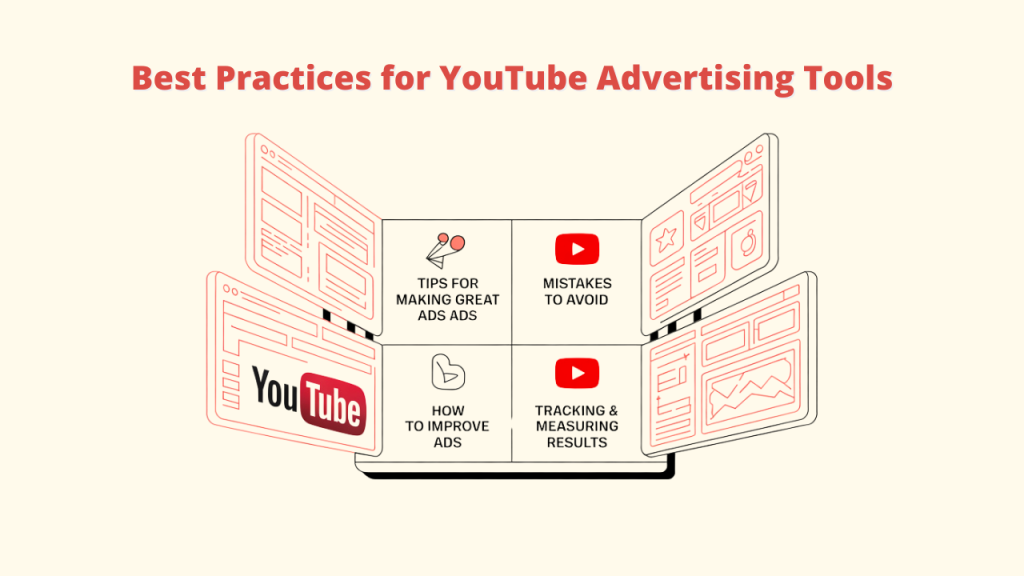
A. Tips for Making Great Ads
- Grab attention in the first 5 seconds.
- Use clear visuals and tell an engaging story.
- Make sure ads look good on both mobile and desktop.
B. Mistakes to Avoid
- Showing ads to the wrong audience.
- Not following YouTube’s ad rules.
- Not checking performance data.
You can easily create and manage your YouTube ads in one location with tools like TubeTarget.
C. How to Improve Ads
- Test different ad styles and placements (A/B testing).
- Change bidding strategies based on results. A tool like TubeTarget can help.
- Use remarketing to reach people who showed interest before.
D. Tracking and Measuring Results
- A variety of online tools with updated conversions and assistance with analytics are available.
- Keep an eye on crucial metrics such as conversions, watch time, and click-through rate (CTR).
- Optimize your advertisements using actual data to maximize return on investment (ROI).
Conclusion
Using the right YouTube ad tools can greatly improve your campaign’s success. With the help of data insights and automation, businesses and creators can boost engagement and conversions.
The best tool for you depends on your current business growth strategies whether it’s analytics, audience targeting, budget control, or creative ad-making.
Among many choices, TubeTarget stands out because of its accurate audience targeting, automated ad recommendations, and keyword optimization. Whether you run a small business or a big agency, TubeTarget helps you get the most out of your ads by reaching the right audience.
By choosing the right tools and understanding your goals, you can create better, more effective ads. Keep testing, improving, and adjusting to stay ahead in the competitive world of YouTube advertising.
FAQs about YouTube Advertising Tools
1. What is the best way to target a specific audience on YouTube advertising ?
Ans: You can target people based on age, interests, search history, and video interactions. Advanced targeting options like custom intent and affinity audiences help reach the right viewers.
2. What role do YouTube advertising tools play in optimizing budgets?
Ans: These tools use AI and automation to manage your budget wisely, making sure your ads reach more people while increasing conversions.
3. Are YouTube advertising tools affordable for small businesses?
Ans: Many tools do provide free versions or reasonably priced plans, so the answer is yes. Starting with less expensive options like TubeTarget or vidIQ, small businesses can progress to more sophisticated tools.
4. How can I monitor the effectiveness of my YouTube advertising campaigns?
Ans: Most tools, like TubeTarget, provide an analytics dashboard that shows important data, such as click-through rate (CTR), watch time, conversions, and audience engagement.