
Your competitors are already paying for YouTube ads. Why not learn from their money?
Every ad they run tells you something: the hook that works, the offer they push, the landing page behind it. And every channel their buyers watch is a place you could show up too.
That's what YouTube ad spy tools are for. Some show you the ads. Others show you where to place yours.
We checked the official site, pricing and demo of every serious option and kept the 10 worth your time in 2026. Our top pick, TubeTarget, does the part most spy tools skip: it turns research into targeting.
Quick comparison
Here's how all 10 compare at a glance. Prices are the cheapest plan that includes YouTube data, checked in October 2026.
RankToolStarts atShows competitor ads?Finds placements?Best for1TubeTarget$6.99/mo or $67/yrNo, it targets their audienceYes, monetized channels and videosAdvertisers who want cheap, targeted YouTube clicks2VidTaoFree; Premium $87/moYes, YouTube onlyNoStudying winning YouTube ad creatives3Google Ads Transparency CenterFreeYes, from verified advertisersNoQuick, free competitor checks4BigSpy$119/mo (yearly) for YouTubeYes, multi-platformNoMulti-platform ad research5PowerAdSpy$279/mo for YouTubeYes, multi-platformNoMedia buyers spying on many networks6AdSpyder$10/moYes, 9+ platformsNoBudget ad and keyword research7AdClarity$129/moYes, with spend estimatesNoAd spend and share-of-voice data8SimilarwebFrom $125/moYes, YouTube pre/mid/post-rollNoTeams already using Similarweb9Pathmatics (Sensor Tower)Quote onlyYes, with spend and impressionsNoEnterprise brands and agencies10Social BladeFree; Bronze $59.99/yrNoHelps you vet channelsChecking a channel's size and growth
How we picked these tools
What makes a YouTube ad spy tool worth paying for?
Seeing a competitor's ad is nice. Doing something with it is what makes you money.
So we judged every tool on three things. Does it really cover YouTube, or just Facebook with a YouTube logo on the page? Does it help you act on what you find? And what does YouTube access actually cost, since many tools lock it behind their pricier plans?
1. TubeTarget

The TubeTarget homepage
Let's be clear: TubeTarget isn't a classic spy tool.
It won't show you a library of your competitors' ad creatives. VidTao and Google already do that.
It does something more useful. It shows you where your competitors' buyers are watching, so you can put your ads right there.
Here's the idea. On YouTube you can place ads on specific channels and videos. Your competitors' channels, and the videos your buyers watch, become your targeting list.
But there's a problem. You can only target monetized channels and videos, and a normal YouTube search buries them under hours of unrelated, unmonetized results.
TubeTarget filters out the unmonetized noise and finds the monetized channels and videos that fit your niche. Then you run YouTube ads on them and reach people who are already interested in what you sell.
The sales page puts clicks at around $0.026 each. No content creation, no video SEO and no technical skills required.
It's an online SaaS, so it works on any computer with a browser. And Teknikforce backs it with 24x6 live chat and remote help over Skype or TeamViewer.
Best for: advertisers who want to steal attention from competitors' audiences, cheaply.
Why it's the best value
Look at what YouTube data costs elsewhere.
VidTao Premium is about $87 a month. BigSpy wants $119 a month (billed yearly) before it shows YouTube. PowerAdSpy wants $279.
And all of them stop at showing you ads. You still have to work out where to place yours.
TubeTarget? $6.99 a month, or $67 for a full year.
That's about $5.58 a month on the yearly plan, for a tool that goes straight to the money step: finding the placements.
One month of VidTao Premium costs more than a year of TubeTarget.
And there's a 30-day, 100% money-back guarantee, so you can test it on a real campaign first.
Pricing: $6.99/month or $67/year. Online SaaS, with 24x6 live chat support, ticket replies within 24 hours, and a 30-day money-back guarantee.
Pros
- Finds monetized channels and videos you can actually target
- Filters out unmonetized, irrelevant results
- Turns competitor research into ad placements
- Web-based, works anywhere
- Cheapest paid tool on this list: $6.99 a month or $67 a year
Cons
- Doesn't show competitors' ad creatives
- You still run the ads yourself in Google Ads
- Click costs depend on your niche and bids
2. VidTao
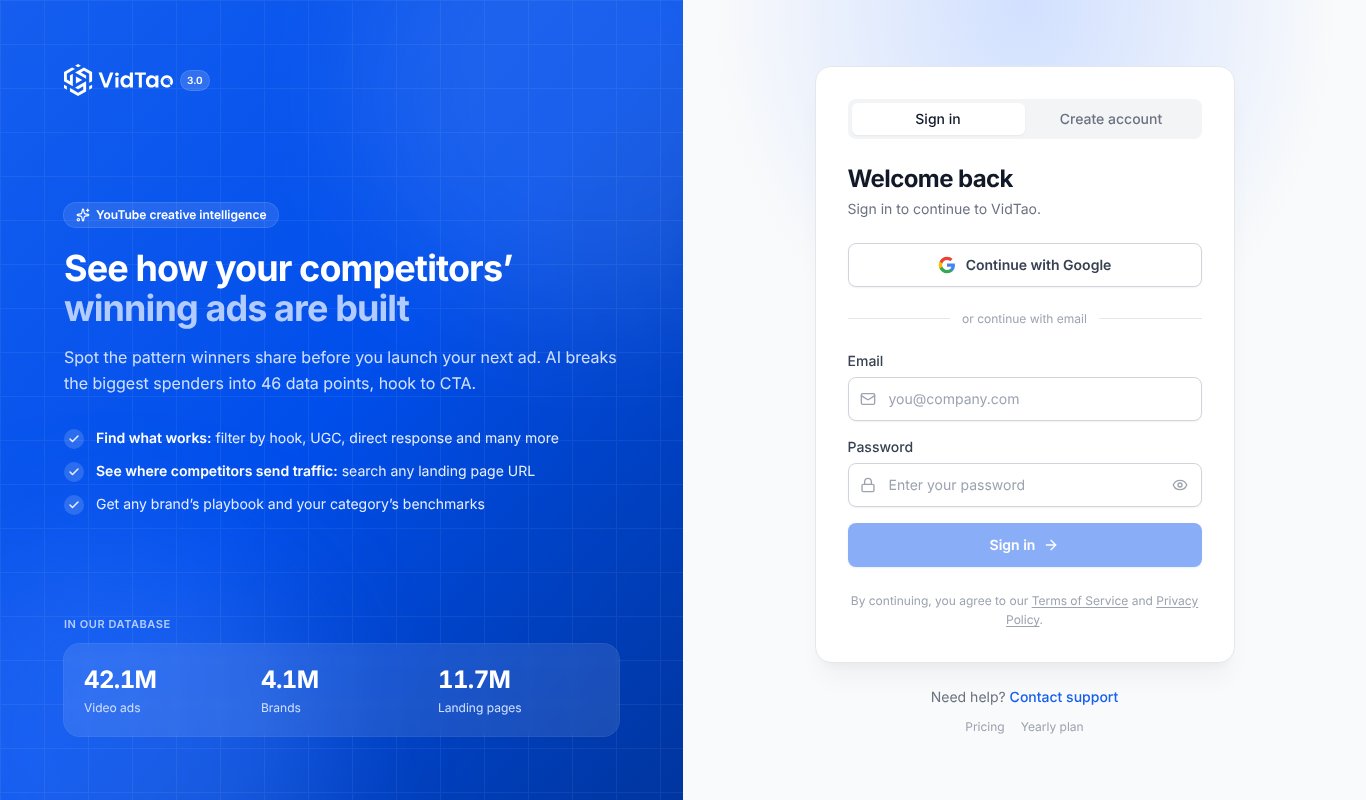
The VidTao homepage
If you only care about YouTube ads, VidTao is the specialist.
It claims an index of 40M+ YouTube video ads you can search by hook, style and landing page, with spend and run time for every brand. A free Chrome extension catches ads as you browse YouTube, Shorts included, and saves them to a swipe file.
It's the best tool here for studying what your competitors' ads look like.
Best for: copywriters and media buyers who study winning YouTube creatives.
Pricing: Free account available. Premium is about $87/month, or about $797/year (roughly $66/month). The pricing page needs JavaScript, so these figures come from third-party trackers (PricingSaaS, AdEye).
Pros
- Built only for YouTube ads
- Search by hook, style and landing page
- Free plan and Chrome extension
Cons
- Premium is pricey for small advertisers
- Tells you what rivals run, not where to place yours
- Best filters sit on the paid plan
3. Google Ads Transparency Center
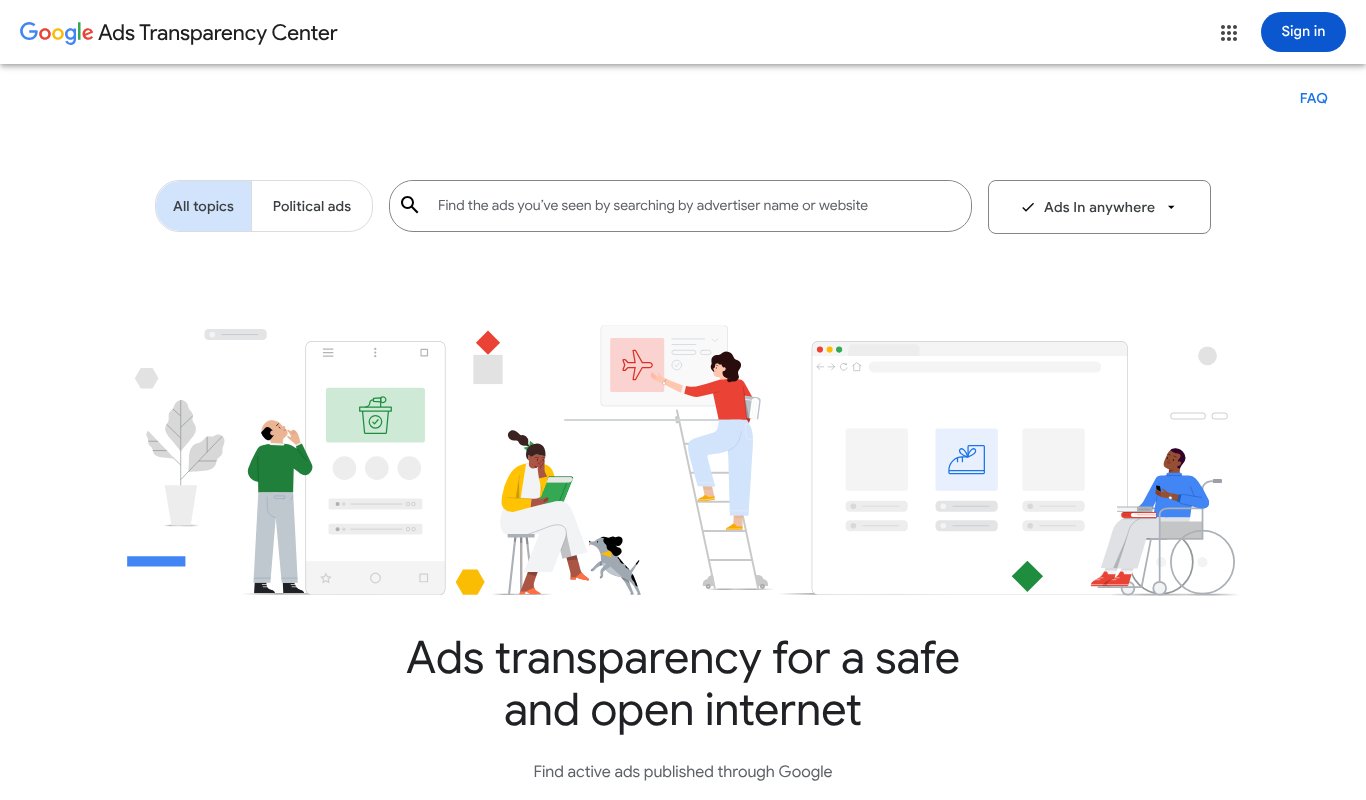
The Google Ads Transparency Center homepage
Here's the free one everybody should bookmark.
Google's own Ads Transparency Center is a searchable hub of ads from verified advertisers across Search, YouTube and Display. Look up a competitor, pick a region, and see the ads they've run, their formats and when each last ran.
No spend data. No saving. No history beyond what Google shows. But it's straight from the source.
Best for: quick, free checks on what a competitor is running.
Pricing: Free.
Pros
- Completely free
- First-party data from Google
- Covers YouTube, Search and Display
Cons
- No spend or performance data
- Can't save, tag or export ads
- Doesn't tell you where ads were placed
4. BigSpy
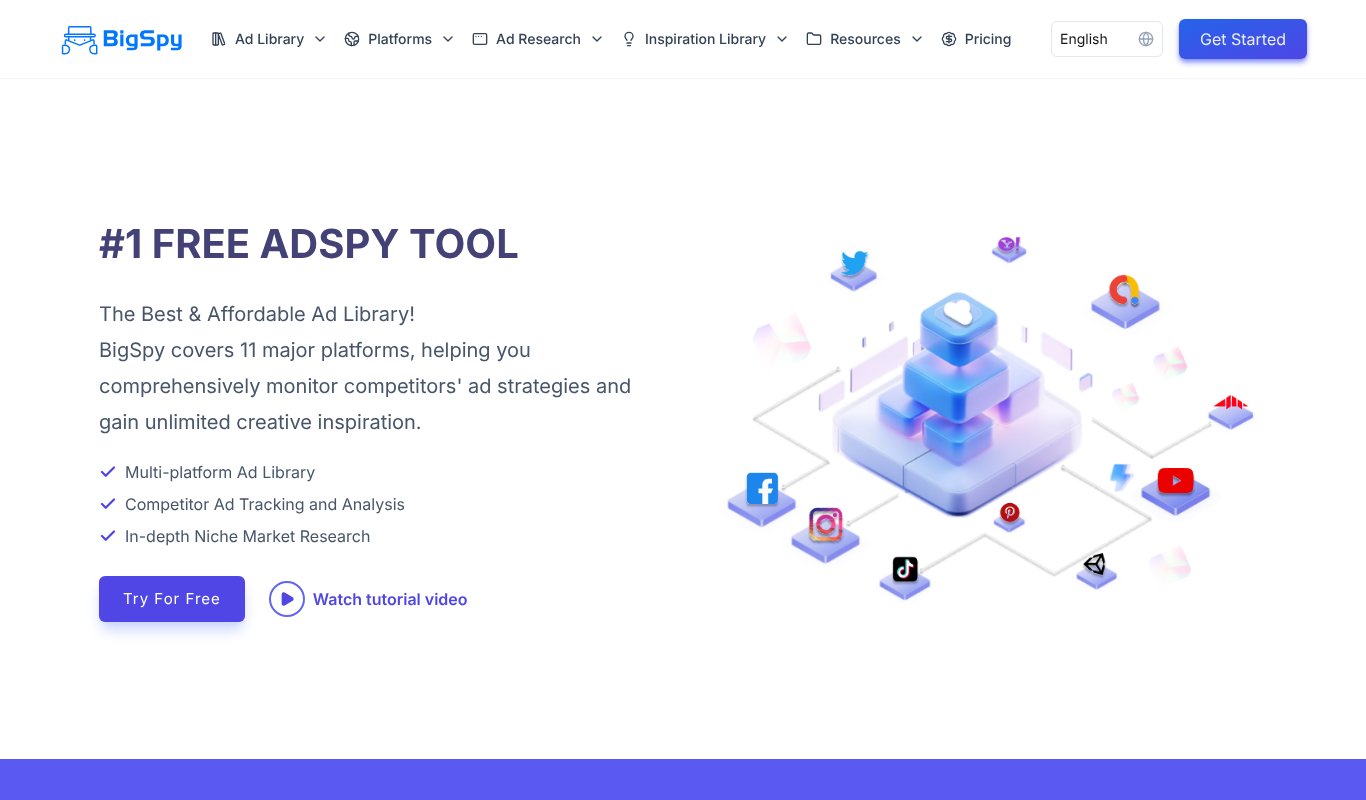
The BigSpy homepage
BigSpy is one of the best-known multi-platform ad libraries.
It covers Facebook, Instagram, Google, YouTube, TikTok, X and more, with AI tools to break down creatives and a tracker for ads you want to follow.
There's a free plan, but it's Facebook only. YouTube starts on Growth.
Best for: advertisers researching ads across several platforms.
Pricing: Free plan (Facebook only, 10 searches a day). Starter $69/month doesn't include YouTube. Growth, with YouTube, is $159/month or $119/month billed yearly. Scale $299 and Ultimate $399 (yearly).
Pros
- Huge multi-platform ad library
- AI creative analysis tools
- Free plan to test the interface
Cons
- YouTube needs the Growth plan
- Free plan doesn't cover YouTube
- Shows ads, not placements
5. PowerAdSpy
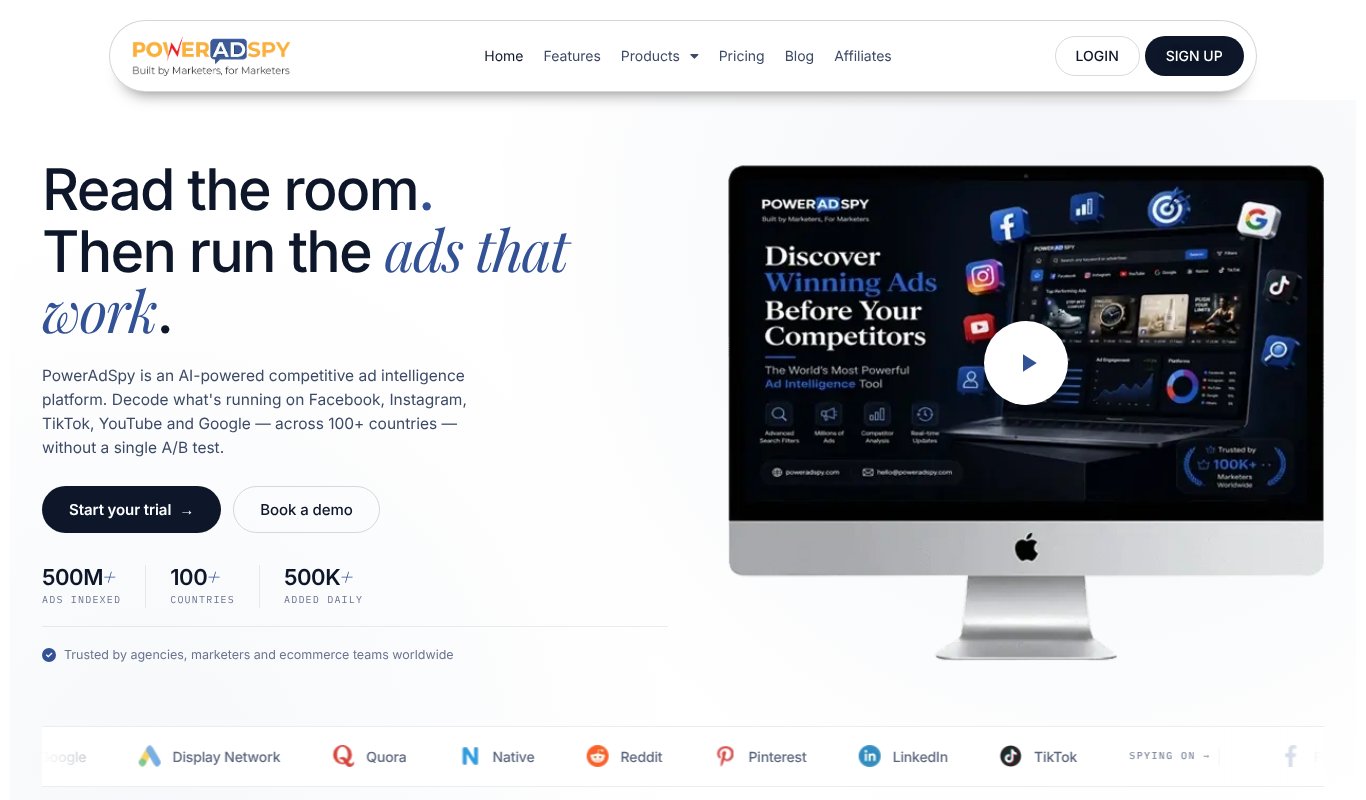
The PowerAdSpy homepage
PowerAdSpy is a long-running ad spy tool with a huge range of networks.
You can search YouTube ads by keyword, advertiser or domain and sort by engagement. The catch? YouTube only appears on its Platinum plan and above.
Best for: media buyers who spy on many networks at once.
Pricing: Basic $69/month and Standard $99 don't include YouTube. Platinum, with YouTube, is $279/month, and Palladium (all 11 networks) is $399. Trials cost $1 to $7 for 3 days.
Pros
- Covers up to 11 ad networks
- Search by advertiser, keyword or domain
- Cheap 3-day trial
Cons
- YouTube needs the $279 plan
- Trial converts to full price if you forget to cancel
- Gets expensive fast
6. AdSpyder
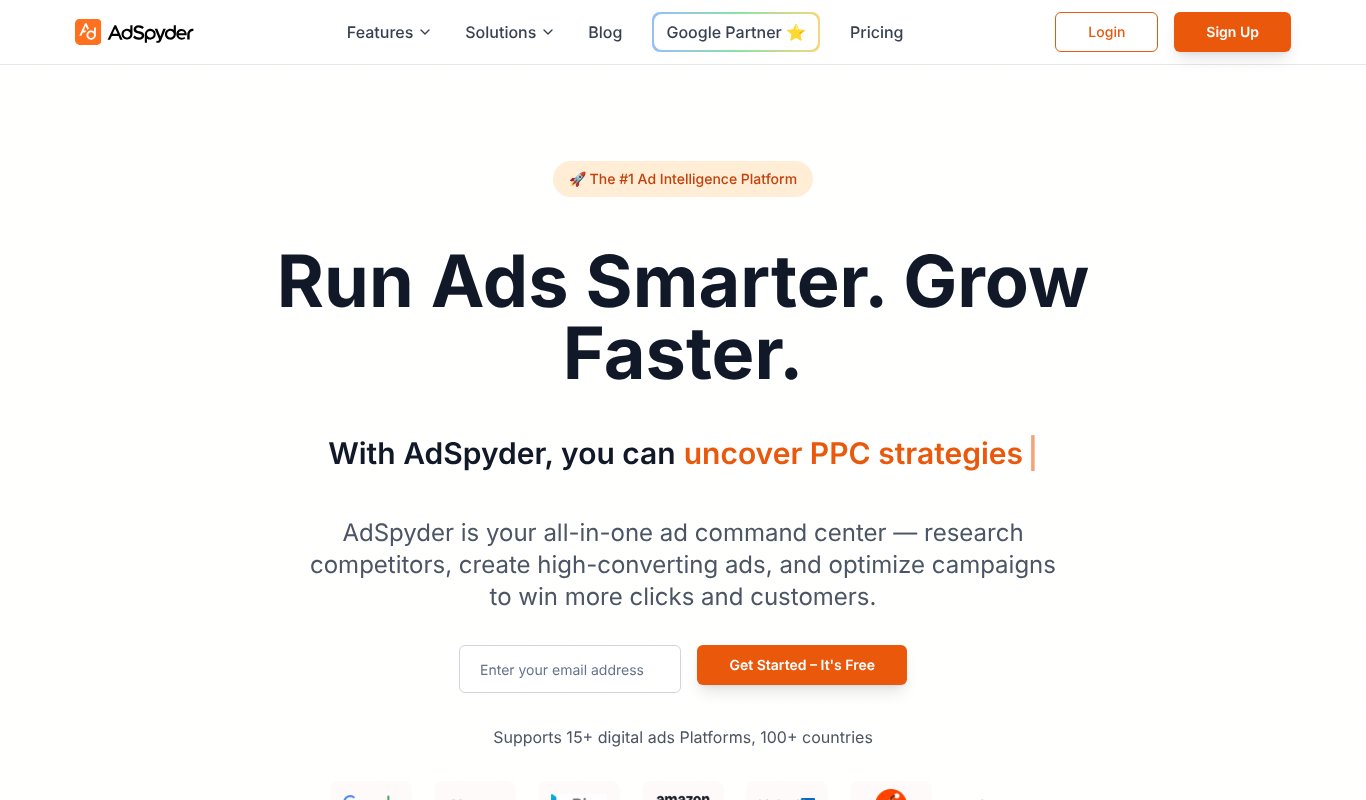
The AdSpyder homepage
Want YouTube ad data for the price of a sandwich?
AdSpyder covers nine platforms, YouTube included, from its cheapest plan. Its YouTube ad library shows creatives with spend, CTA, engagement and run time, plus the keywords and landing pages competitors use.
Best for: small advertisers who want broad ad research on a budget.
Pricing: Spy is $10/month (up to 1,000 ads), Spy + Analytics + Generation $20, All-in-One $30 with unlimited searches. Yearly billing saves two months. 14-day money-back guarantee.
Pros
- YouTube included on the cheapest plan
- Keyword and landing page insights
- Very low entry price
Cons
- Search caps on the lower plans
- No free trial listed on the pricing page
- Spy data only, no placement finder
7. AdClarity
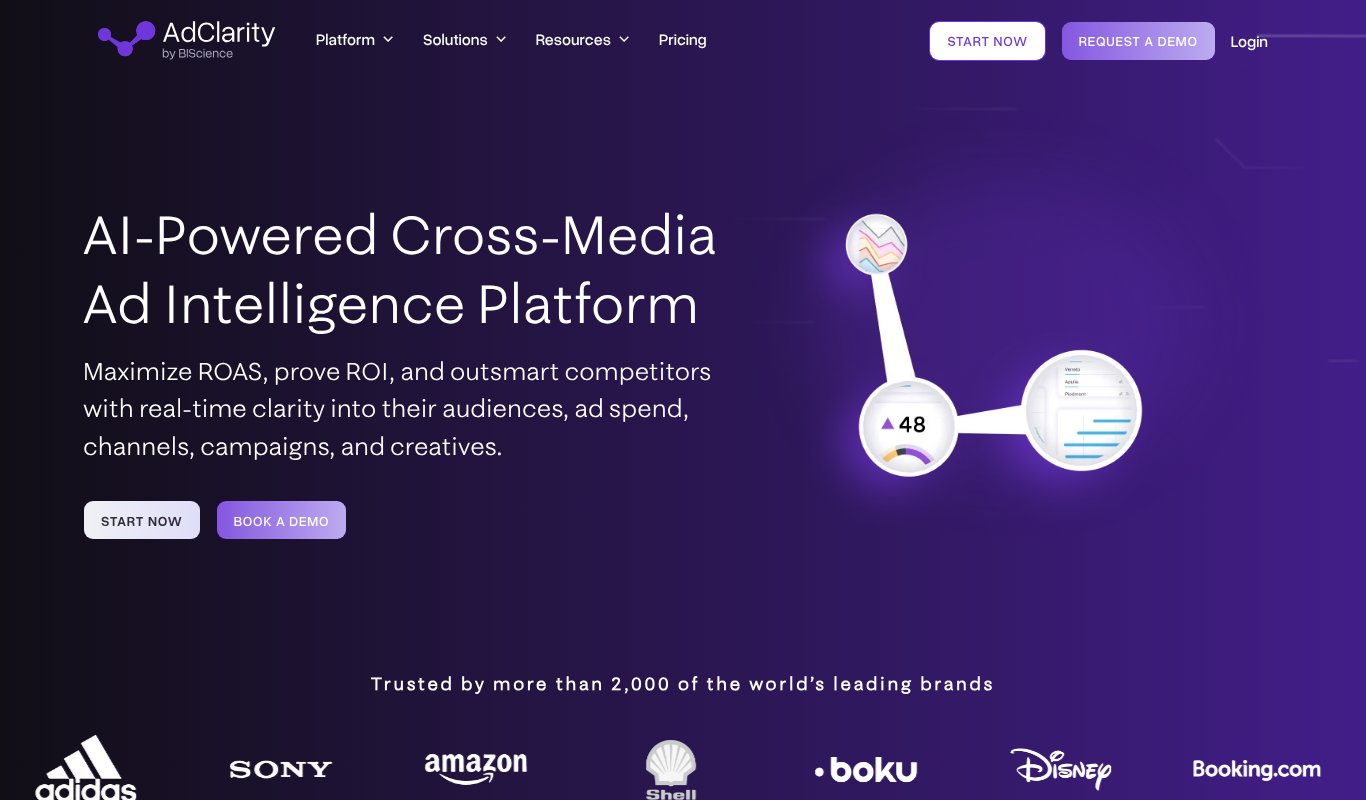
The AdClarity homepage
AdClarity, from BIScience, is the ad intelligence engine you may have met inside Semrush's App Center.
It benchmarks competitors' ad spend, impressions, channels and creatives across display, social and video, in 52 markets. Daily share-of-voice data and exportable reports make it handy for client reporting.
Its site lists "Online Video Ads" as a channel but doesn't name YouTube, so confirm coverage on the free trial.
Best for: marketers who need spend estimates, not just screenshots.
Pricing: 7-day free trial. Basic is $129/month for one channel (display, social or video), Advanced $289 for all three, Team $349. Yearly billing saves up to 10%.
Pros
- Ad spend and impression estimates
- 52 markets covered
- Free 7-day trial
Cons
- YouTube isn't named on the site
- One channel only on Basic
- Pricey for small advertisers
8. Similarweb
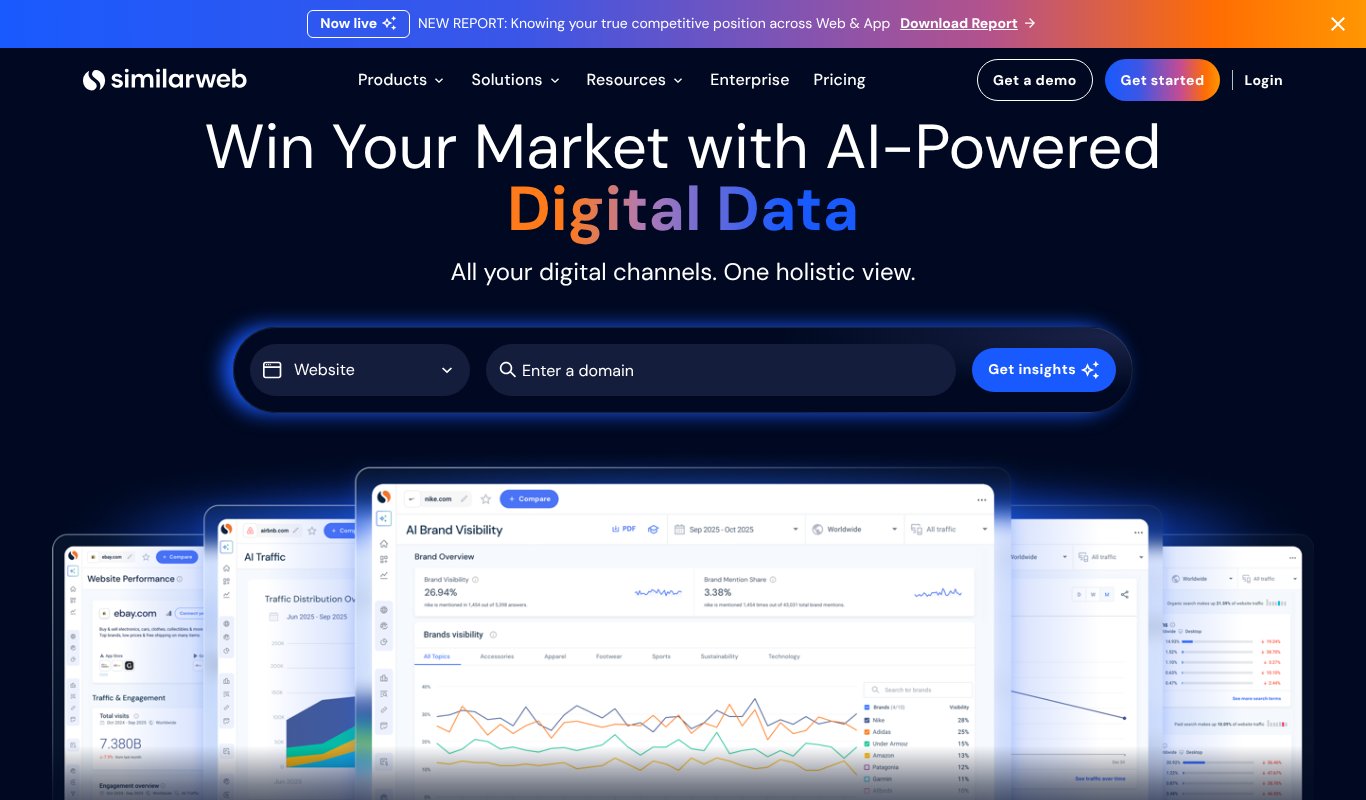
The Similarweb homepage
Most people use Similarweb for website traffic. Fewer know it tracks YouTube video ads too.
Its help center says it tracks pre-roll, mid-roll and post-roll ads on youtube.com. Enter a competitor's site, open Display, then Videos, and you'll see their video ads, target URLs and how long each campaign ran.
Best for: marketers who already pay for Similarweb.
Pricing: Web Intelligence plans start from $125/month. A free trial is available. The pricing page doesn't say which plan includes video ad data.
Pros
- Video ads sit next to traffic and search data
- Filter by country, period and device
- Compare up to five sites
Cons
- Unclear which plan unlocks video ads
- Expensive if you only want YouTube data
- No placement or channel finder
9. Pathmatics (Sensor Tower)
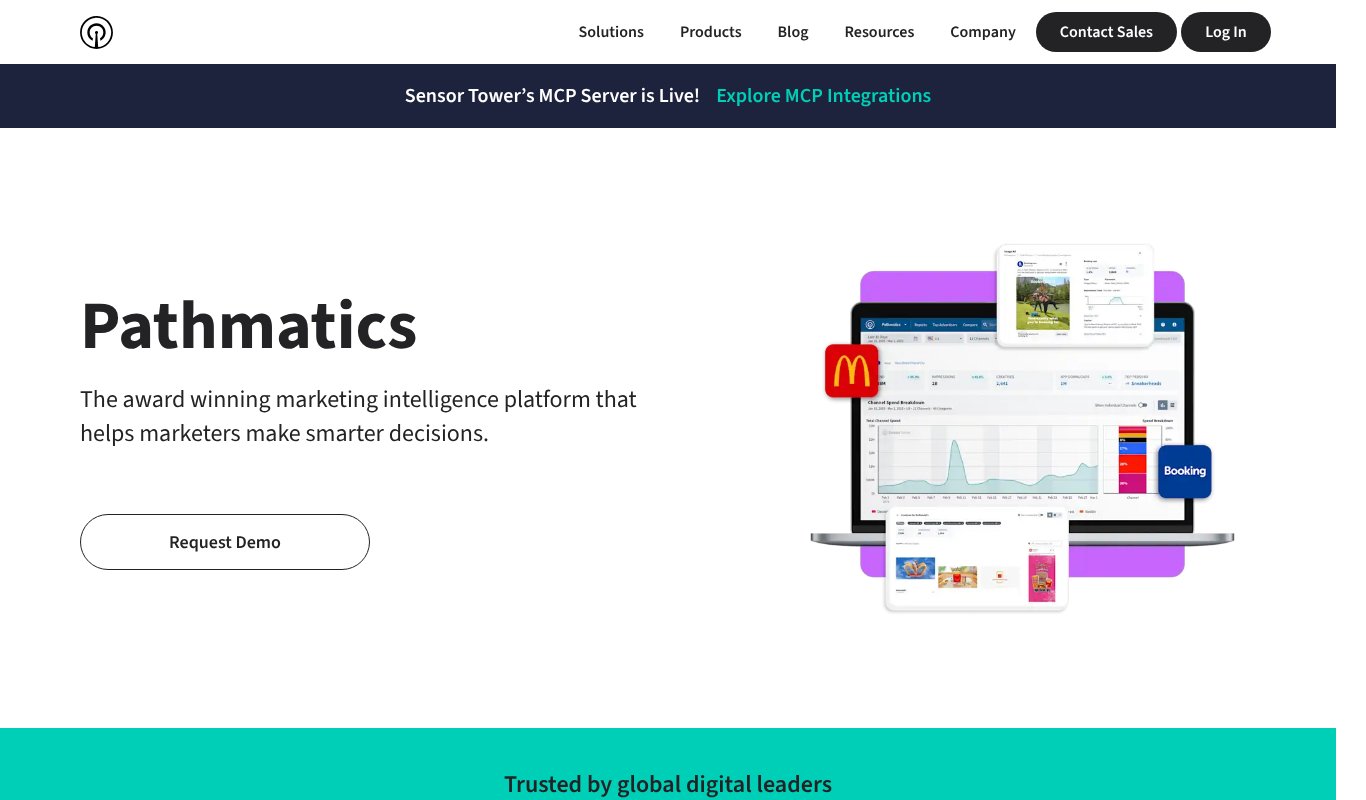
The Pathmatics (Sensor Tower) homepage
Pathmatics is the heavyweight here.
It tracks ad spend, impressions and creatives across Facebook, Instagram, YouTube, TikTok, LinkedIn, display, OTT and more. You get share of voice, category rankings, audience profiles and historical trends.
It's built for brand teams with big budgets. A solo advertiser will find it hard to justify.
Best for: enterprise brands and agencies benchmarking competitors' spend.
Pricing: No public pricing. You request a demo and get a quote.
Pros
- Spend and impression estimates
- Very wide channel coverage, YouTube included
- Historical and seasonal trends
Cons
- Quote-only, enterprise pricing
- Far more than a small advertiser needs
- Shows what rivals spend, not where you should place ads
10. Social Blade
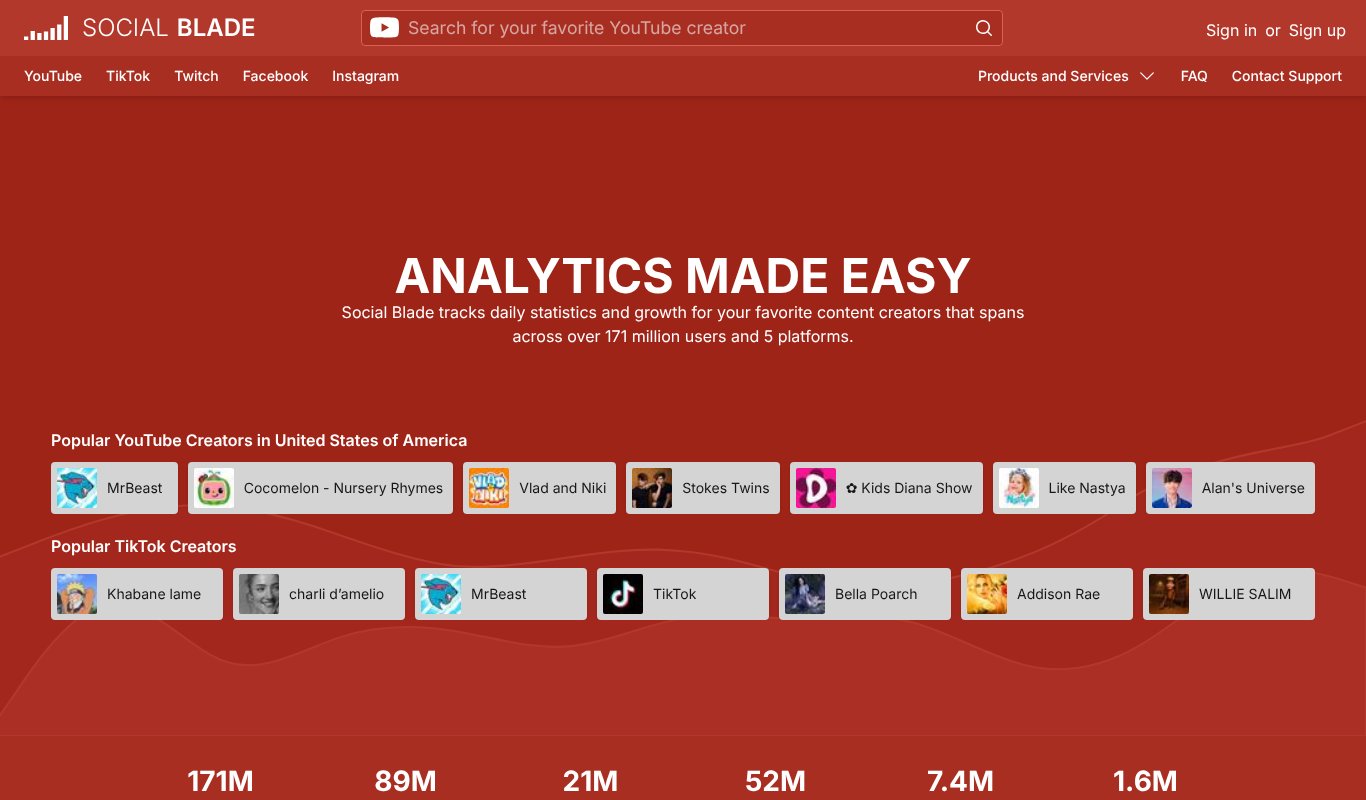
The Social Blade homepage
Social Blade isn't an ad spy tool. So why is it here?
Because once you know where your competitors' buyers hang out, you need to check those channels. Social Blade shows public stats for YouTube channels: subscriber and view trends, rankings and rough earnings estimates.
It's a quick sanity check before you put money behind a placement.
Best for: vetting a channel's size and growth before you target it.
Pricing: Free, ad-supported plan. Paid plans are billed yearly: Bronze $59.99, Silver $149.99, Gold $599.99 and Platinum $1,439.99 (prices from a third-party review dated August 2026; the official pricing page didn't load for us).
Pros
- Free channel stats for anyone
- Shows growth trends over time
- Cheap paid tiers
Cons
- Shows no ads at all
- Earnings figures are rough estimates
- Free plan only shows 30 days of table data
How to choose the right YouTube ad spy tool
Start with one question. What do you want to do with what you find?
Want to copy what works? Use VidTao or the free Google Ads Transparency Center to study competitors' hooks, offers and landing pages.
Want to reach their buyers? That's a placement problem, not a creative one. TubeTarget finds the monetized channels and videos where those buyers watch.
Need spend numbers for a boss or client? AdClarity, Similarweb and Pathmatics estimate spend and share of voice.
Check what "YouTube" really means. BigSpy and PowerAdSpy lock YouTube behind higher plans, so compare those prices, not the headline ones.
Use them together. Spy on the ads, copy the angle, then place your own ad on the channels your competitor's buyers watch. That's the whole game.
Frequently asked questions
What is a YouTube ad spy tool?
It's software that shows you the YouTube ads your competitors run, or the channels and videos where their audience watches, so you can improve your own ads and targeting.
Can I see a competitor's YouTube ads for free?
Yes. Google's Ads Transparency Center shows ads from verified advertisers across YouTube, Search and Display. VidTao also has a free plan.
Can I place my ads on a competitor's YouTube channel?
On monetized channels and videos, yes, using placement targeting in Google Ads. TubeTarget helps you find monetized channels and videos in your niche to target.
What is the cheapest YouTube ad spy tool?
Google's Ads Transparency Center is free. Among paid tools we reviewed, TubeTarget is the cheapest at $6.99 a month or $67 a year.
Final verdict
So, which one should you pick?
For studying creatives, VidTao is the YouTube specialist and Google's Transparency Center is the best free option. For spend data, AdClarity and Pathmatics deliver, at a price.
But spying is only half the job. The money is in putting your ad in front of your competitors' buyers.
That's exactly what TubeTarget does, for $67 a year.
Try TubeTarget today and start showing your ads where your competitors' buyers are already watching.